
Why Magic Hour AI Feels Like a Creative Shortcut?
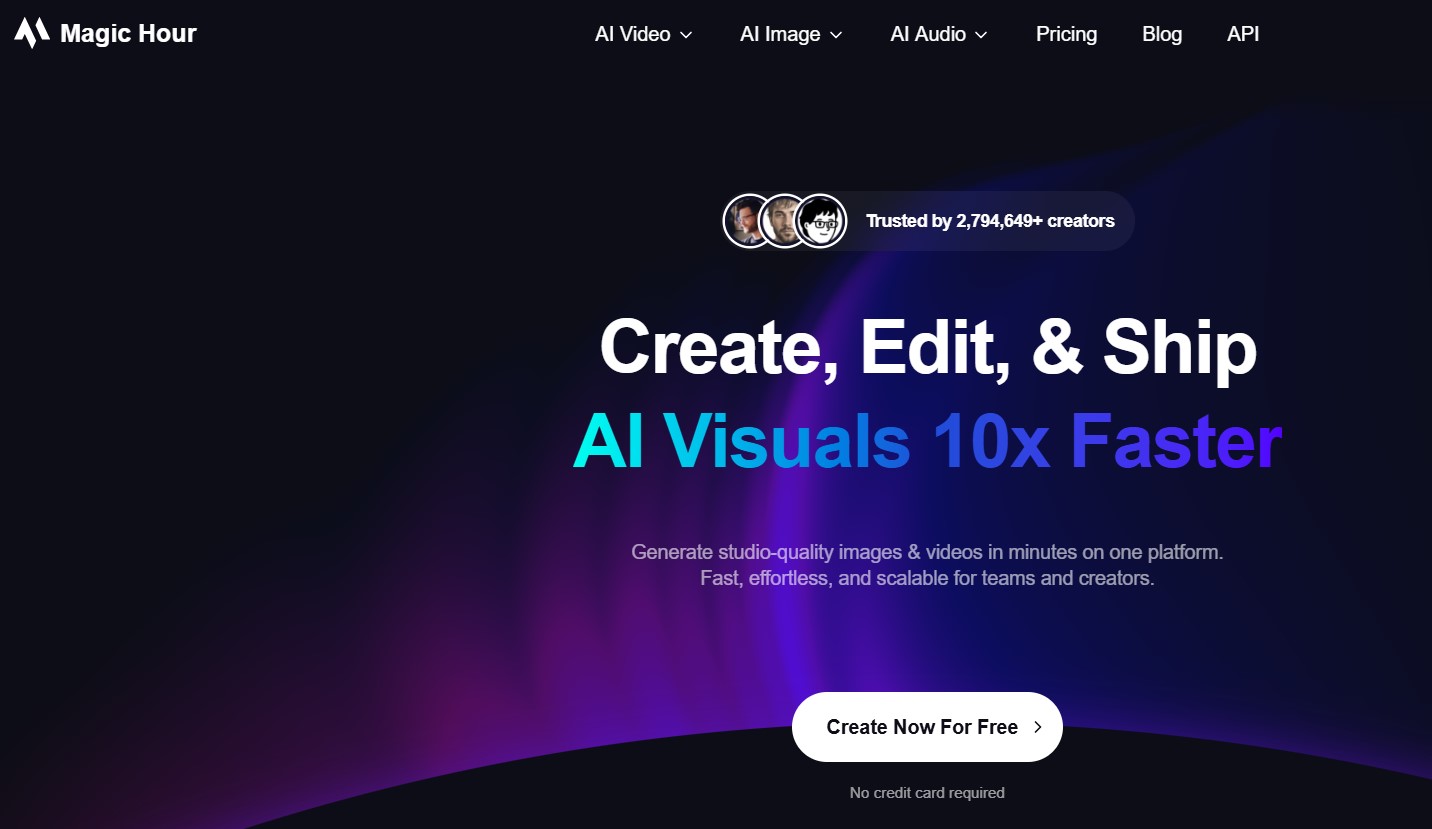
Picture this: the sun’s dipping low, that golden hour glow hitting just right, and you’re not out there with a camera rig – you’re indoors, typing a prompt, and boom, it’s yours. Magic Hour AI nails that vibe without the hassle. Launched back in 2023 by a solo dev who turned heads on Reddit with his side project, it’s exploded to over 2.7 million users by late 2025. What started as a video maker has morphed into an all-in-one hub for visuals.
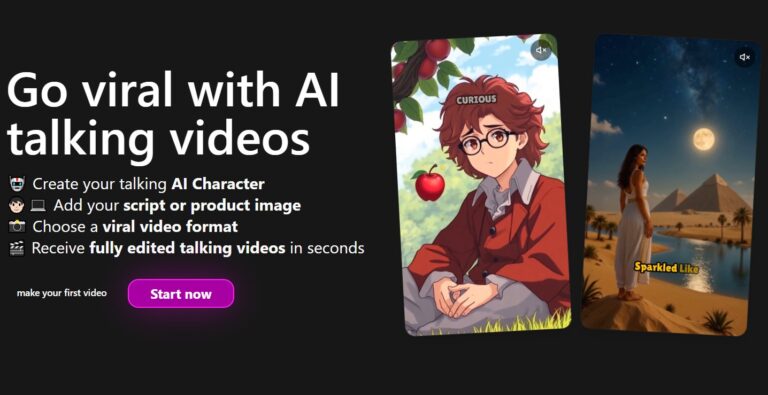
At its core, it’s generative AI on steroids. Feed it text like “a quirky robot barista spilling coffee in a neon cafe,” and it spits out a clip ready for TikTok. Or upload a selfie for a face swap that keeps your grin intact through wild animations. I tried it for a holiday promo – swapped my mug onto a elf dancing awkwardly – and shared it raw. Got 200 likes in a day. You know that rush when something clicks? That’s Magic Hour.
But here’s the real draw: it’s free to start, no card upfront. Sign up, snag 500 points, and you’re off. Those points fuel generations – think 5 photo swaps or 3 short videos right away. Daily logins top you up with 100 more. Paid tiers kick in for heavy lifting, but honestly, the entry bar’s low enough to test without commitment.
The Basics: How Magic Hour AI Turns Words into Wonders
Getting going is stupid simple. Head to magichour.ai, click sign up – email or Google, done. Dashboard greets you with a clean slate: tabs for images, videos, edits. No overwhelming menus; it’s like chatting with a savvy buddy who gets your vision.
Pick text-to-video, type your idea, tweak styles (cinematic, cartoonish), and hit generate. Frames churn out in seconds – it’s frame-by-frame magic under the hood, blending models like Nano Banana for crisp results. I remember my first: “cozy cabin in snow, fire crackling.” Came back with soft lighting, embers flickering just so. Felt like peeking into a memory.
Image side’s no slouch. Prompt an outfit change on a model photo – shirts to sweaters, pants to skirts – and it fits like it was shot that way. Recent update added 15+ presets for that. Or enhance a blurry snap from your phone; suddenly it’s gallery-ready. And videos? Lip sync slaps new audio onto clips, mouths moving in perfect time. Dubbed a silent meme with my voice – hilarious.
One tangent: this ties into that whole AI ethics chat floating around tech circles lately. Tools like this democratize creation, sure, but what about deepfakes? Magic Hour’s got watermarks on free outputs, a nod to transparency. Smart move, keeps the fun without the freakouts.
Hands-On with Magic Hour AI: My Weekend Experiment
Alright, let’s get real – I spent a rainy Saturday knee-deep in this. Goal: a 15-second reel for my newsletter on AI trends. Started with an image gen: “futuristic desk setup, holographic screens, coffee steam rising.” Took 20 seconds. Loved the steam effect; added that lived-in touch.
Next, image-to-video. Uploaded the desk pic, prompted “pan across the holograms, zoom on the code scrolling.” It animated smoothly – no jerky jumps like older tools. Added lip sync: overlaid a voice clip saying, “AI’s rewriting the rules.” Mouths matched, eyes blinked naturally. Downloaded, tossed into CapCut for text overlays. Total time? Under 30 minutes. Old way? Couple hours minimum.
Face swap was the highlight. Grabbed a stock video of a chef chopping veggies, swapped in my face. Kept the angles tricky – side profile, quick turns – and it held up. No uncanny valley creep. Processed in 8 seconds. Watermark was there (tiny corner logo), but for testing, who cares?
Glitch? One video blurred on edges during a fast pan. Bumped resolution via points – fixed it. Points wise, that session burned 150; still had plenty left. Feels generous for dabblers.
Magic Hour AI Features That Actually Deliver
What sets this apart isn’t fluff – it’s the toolkit that plays nice together. Here’s a quick rundown of standouts I leaned on:
- Text-to-Video Magic: Describe a scene, get a clip up to 17 seconds free. Styles from realistic to anime. Ideal for storyboarding ideas without stock footage hunts.
- Face Swap Wizardry: Swap heads on photos or videos, holds motion like a champ. Pros on Product Hunt call it “standout” for consistency. I used it for parody sketches; nailed the laughs.
- Lip Sync and Animation: Sync audio to any face, animate stills into loops. Great for explainer vids or meme revamps.
- Image Editor Perks: Clothes changer, enhancers, headshot generator. Turned a meh selfie into pro LinkedIn bait.
- Templates Galore: Hundreds for TikTok trends, ads, social hooks. Jumpstart without blank-page panic.
And the API? If you’re coding a bot for batch jobs, it’s there – transparent pricing, no sales call nonsense.
Dug into the clothes changer update last week – photorealistic try-ons that match body fit. Prompted a casual tee on a suit model; fabric draped right, no distortions. Winter vibes incoming, so I tested snow gear swaps. Spot on for e-comm mockups.
Pricing Breakdown: Magic Hour AI at a Glance
Free tier’s the hook, but let’s talk scales. Here’s how it stacks for different needs:
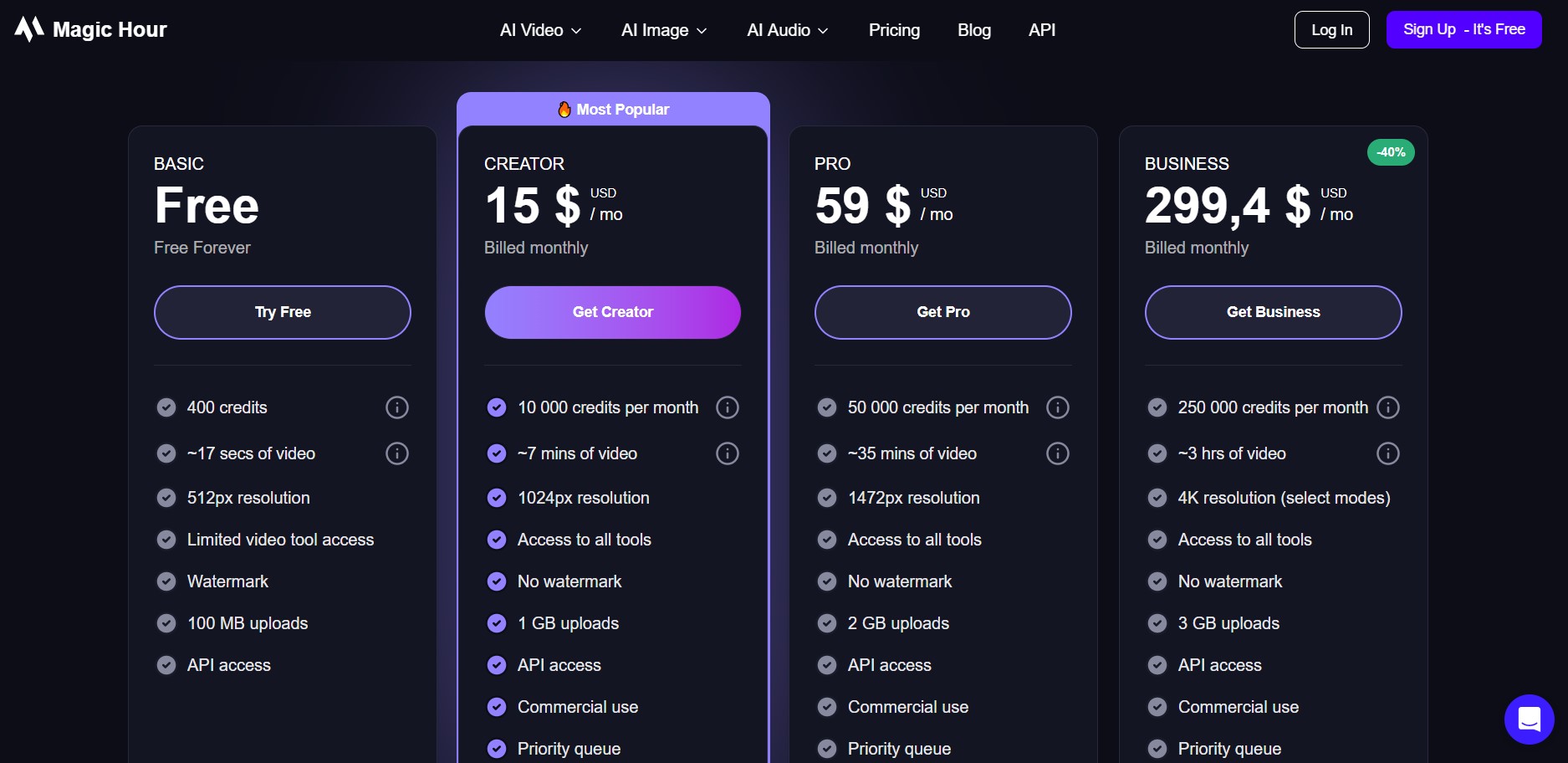
| Plan | Cost (Monthly) | Key Perks | Best For |
|---|---|---|---|
| Basic (Free) | $0 | 400 points + 100 daily, 512px res, watermarks, 17s videos | Testing, casual creators |
| Creator | $10 | Unlimited basic gens, no watermarks, HD outputs | Social media hustlers |
| Pro | $49 | 4K res, longer clips, priority queue | Frequent video pros |
| Business | $249 | API access, team seats, custom models | Agencies, e-comm teams |
Pay-as-you-go packs fill gaps – snag 1,000 points for $20-ish if you’re sporadic. Compared to stock video subs at $50/month, this flexes better for originals.
Magic Hour AI vs. Runway ML and Pika Labs: Head-to-Head
Okay, the elephant: how does it fare against heavyweights? I’ve poked at Runway ML for pro gigs and Pika Labs for quick clips. Magic Hour’s the approachable cousin – free entry, all bundled, but trades some polish for speed.
Runway’s beast mode: Gen-3 model’s cinematic, with deep edits like motion brush. But it’s $15/user/month minimum, steeper curve for noobs. Pika shines on short-form creativity – ingredients feature mixes elements like Lego – free tier generous, but videos cap at 5 seconds without pay. Magic Hour bridges ’em: 17s free clips, face swaps Runway envies, Pika’s ease without the waitlists.
Quick comparison table from my trials (prompt: “dancing corgi in city lights”):
| Tool | Gen Time | Quality (1-10) | Free Limits | Standout Trick |
|---|---|---|---|---|
| Magic Hour AI | 20s | 8 | 3 videos, watermarks | Face swap consistency |
| Runway ML | 45s | 9.5 | 125 credits (~10s) | Motion control |
| Pika Labs | 15s | 7.5 | Unlimited shorts | Element mixing |
Magic Hour wins for beginners – no credits to track, templates guide you. Runway’s for films; Pika’s TikTok turbo. If you’re scaling ads, Magic Hour’s API edges out for automation. But catch: Pika’s community prompts inspire more; Magic Hour could borrow that.
One gentle nudge – Runway’s outputs scream “budget film,” while Magic Hour’s got that polished social sheen. Pika? Fun, but blurrier on complex scenes. Depends on your grind.
Pros and Cons: What I Loved (and What Tripped Me Up)
No tool’s perfect, right? After a dozen projects, here’s the straight scoop on Magic Hour AI.
Pros:
- Lightning-fast gens – seconds, not minutes, keeping flow alive.
- Intuitive dash; even my non-tech pal jumped in without a hitch.
- Template library sparks ideas; saved me from prompt paralysis.
- Versatile bundle: swap from image to video seamlessly.
- Community buzz – over 2M users mean fresh tips on X and PH.
Cons:
- Free watermarks nag; paid removes ’em, but that’s the nudge.
- Video res caps at 512px free – fine for web, meh for prints.
- Occasional blurs on motion-heavy clips; tweak prompts help.
- No batch swaps yet – one at a time slows bulk jobs.
- Points system confuses at first; track or subscribe.
Balances out for most. The pros outweigh if you’re not printing billboards.
Tips to Squeeze More from Magic Hour AI
Want pro-level stuff without the pro price? I learned these the hard way – or easy, since failures are cheap here.
- Prompt Like a Pro: Be specific – “golden hour sunset over mountains, drone shot, epic music swell” beats vague. Add emotions: “joyful chaos.”
- Layer It Up: Gen image first, then animate. Builds complexity without point waste.
- Template Hacks: Remix trending ones; swap faces for personalization.
- Daily Grind: Log in for those 100 points – compounds quick.
- Export Smart: HD only on paid, but free’s web-optimized; pair with free editors like DaVinci Resolve lite.
Oh, and seasonal twist: with holidays looming, prompt “festive elf in NYC snow” – nailed my card designs. Current trend? AI avatars for newsletters; lip sync makes ’em chatty.
Real Talk from Users: Stories That Stuck
Scrolling Product Hunt reviews, one creator gushed about Midjourney-to-video flows landing viral Reels. “Cut my time in half,” they said. Another marketer on YouTube raved about top-funnel ads – face swaps grabbing scrolls like magnets. Echoes my take: it’s for attention, not ops.
On the flip, a Reddit thread griped free limits – fair, but upgrades make sense for regulars. Overall, sentiment’s glowing: 4.8/5 on PH, folks calling it “user-friendly gem.” One X post showed a clothes swap reel – outfits flipping mid-dance, pure eye candy.
FAQ
What exactly does Magic Hour AI do?
It generates images and videos from text prompts, plus edits like face swaps and lip syncs. All in one spot for quick creative hits.
Is Magic Hour AI really free to try?
Yep, sign up gets you 500 points for basics – enough for a few swaps or clips. Daily bonuses keep it rolling without paying.
How long does it take to make a video with Magic Hour AI?
Most clips render in 10-30 seconds. Face swaps? Under 10. Depends on complexity, but way faster than manual edits.
Can beginners handle Magic Hour AI?
Absolutely – templates and simple prompts make it newbie-proof. No coding or design chops needed; I taught a friend in 10 minutes.
What’s the catch with the free version of Magic Hour AI?
Watermarks on outputs and low res (512px). Videos max 17 seconds. Upgrade for clean, HD stuff.
Does Magic Hour AI work on mobile?
Web-based, so yeah on phones via browser. Full dash shines on desktop, though – easier for uploads.
How does Magic Hour AI compare to paid tools like Runway?
Cheaper entry, bundled features, but Runway edges on pro quality. Magic Hour’s for speed and social; Runway’s film-grade.
Wrapping It: Is Magic Hour AI Your Next Move?
So, after weeks of tinkering, Magic Hour AI’s stuck in my workflow. It’s not flawless – those watermarks bug, and pros might crave Runway’s depth – but for fast, fun visuals? Gold. Creators, give the free spin; see if it sparks. Me? Already plotting a series of AI pet adventures. What’s your first prompt gonna be?





+ There are no comments
Add yours